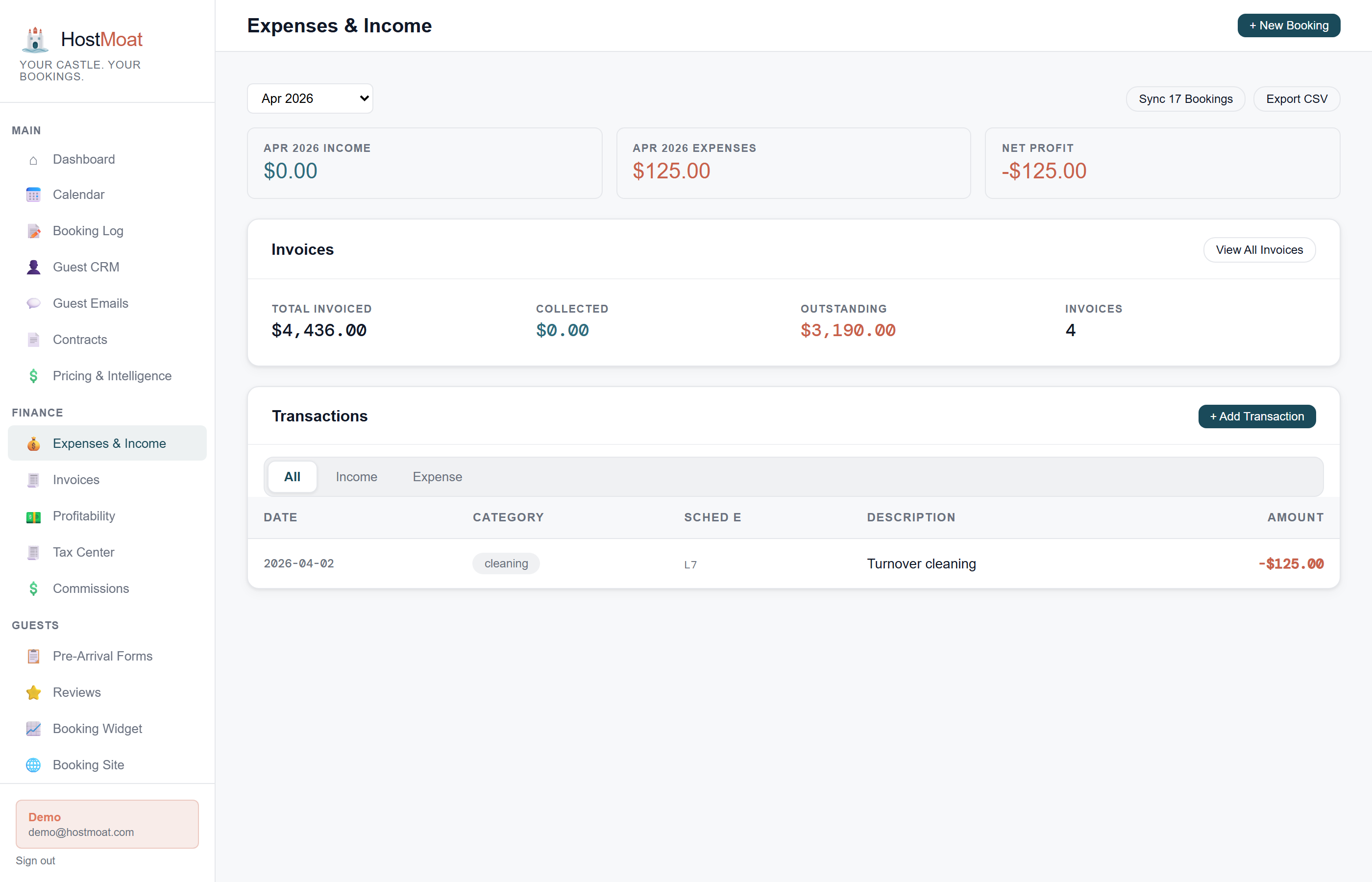
Per-booking profitability
Link any expense directly to a booking (cleaning crew, restocking supplies, maintenance call) and see true profit per stay, not just gross revenue.
Recurring expenses auto-created
Set up monthly recurring expenses for utilities, insurance, and subscriptions. HostMoat creates the entry automatically so nothing slips through the cracks.
CSV export by year and category
Export all expenses filtered by property, year, and Schedule E category. Hand the file to your accountant or import it into tax software directly.
One bank feed across your portfolio
Route each bank account to a property, review mixed-property activity, and use one consolidated same-currency ledger without losing property-level books.
Booking-linked expenses
Most expense trackers just log costs against a property. HostMoat lets you pin an expense to a specific booking, so when you pay your cleaner $120 for a turnover, that cost reduces the profit on that stay. The booking detail view shows revenue minus linked costs, giving you an honest picture of each reservation's margin.
Recurring expenses
For costs that repeat every month (HOA fees, pest control, streaming subscriptions, property insurance), set the amount and frequency once. HostMoat generates a new expense entry on the scheduled date. You can edit or delete any instance without affecting the recurring schedule.
Portfolio bank routing without a second bookkeeping system
One Plaid bank login can expose several checking, savings, and card accounts. On multi-property plans, send each account automatically to one property, hold a shared account in Review, or exclude it. Review transactions can be assigned to one property or split across up to 20 same-owner properties, with exact totals and same-currency safeguards. Accounting → Transactions can then switch between one property and the consolidated portfolio; Tax Center remains property-specific.
Frequently asked
Can I split one expense across multiple properties?
A manual expense belongs to one property. For a connected bank account set to Import & review, you can split the bank transaction across up to 20 same-owner properties. Each property receives its own ledger allocation, and the allocations must equal the original transaction exactly.
Do you auto-pull from my bank account?
Pro lets you connect a bank or credit card through Plaid so transactions import automatically as they post. Your banking password goes to Plaid, never to HostMoat, and the connection is read-only. You can also import a CSV statement, which HostMoat reads in your browser and shows row by row before anything is saved. Either way, categories you set stick: an automatic import will not overwrite a classification you chose.
Are imported deposits treated as rental income?
No, not until you say so. A statement contains deposits that are not rent (platform payouts already counted through your bookings, refunds, and transfers between your own accounts), and counting them would overstate the income on your Schedule E. Imported deposits stay out of Gross Rental Income until you classify one as "Rents received", and the Tax Center tells you how many are waiting and what they total so nothing is silently dropped.
How do recurring expenses work?
Set the expense name, category, amount, and repeat frequency (monthly, quarterly, annually). HostMoat creates a new entry on the next scheduled date automatically.